


 Hard Drive Recovery
 Deleted Files Recovery
 User Guide
 Video Tutorial
 AnyRecover Data Repair
The latest
Video
Photo
File
Repair & Enhance Tool
Video
Photo
File
-
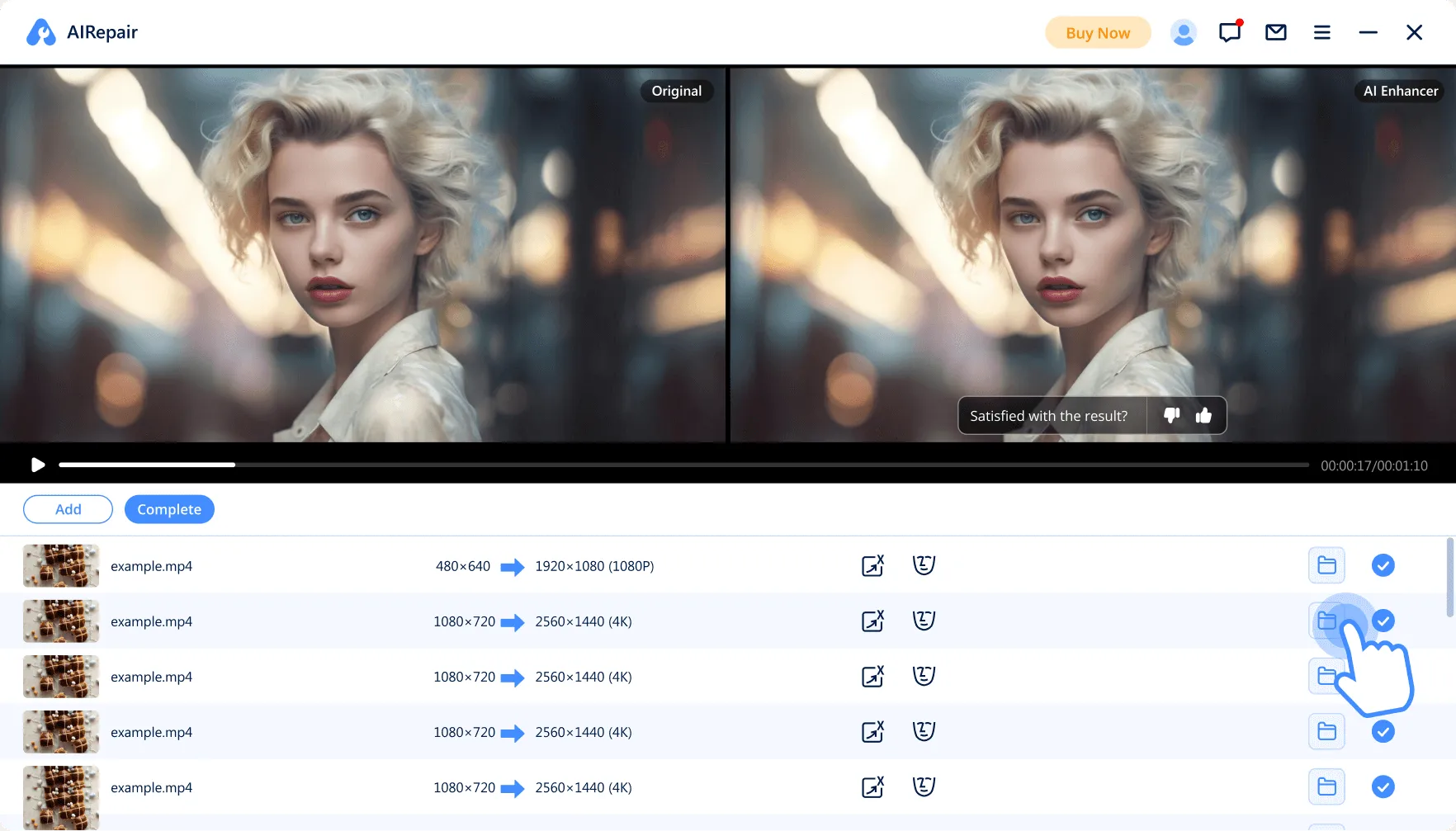
Video/Photo Enhancement: Boosts quality, resolution & facial details.
-
Pro Repair: Maximizes video/image restoration success & results.
-
3-Step Fix: Easily repairs damaged videos, images, audio and documents.
-
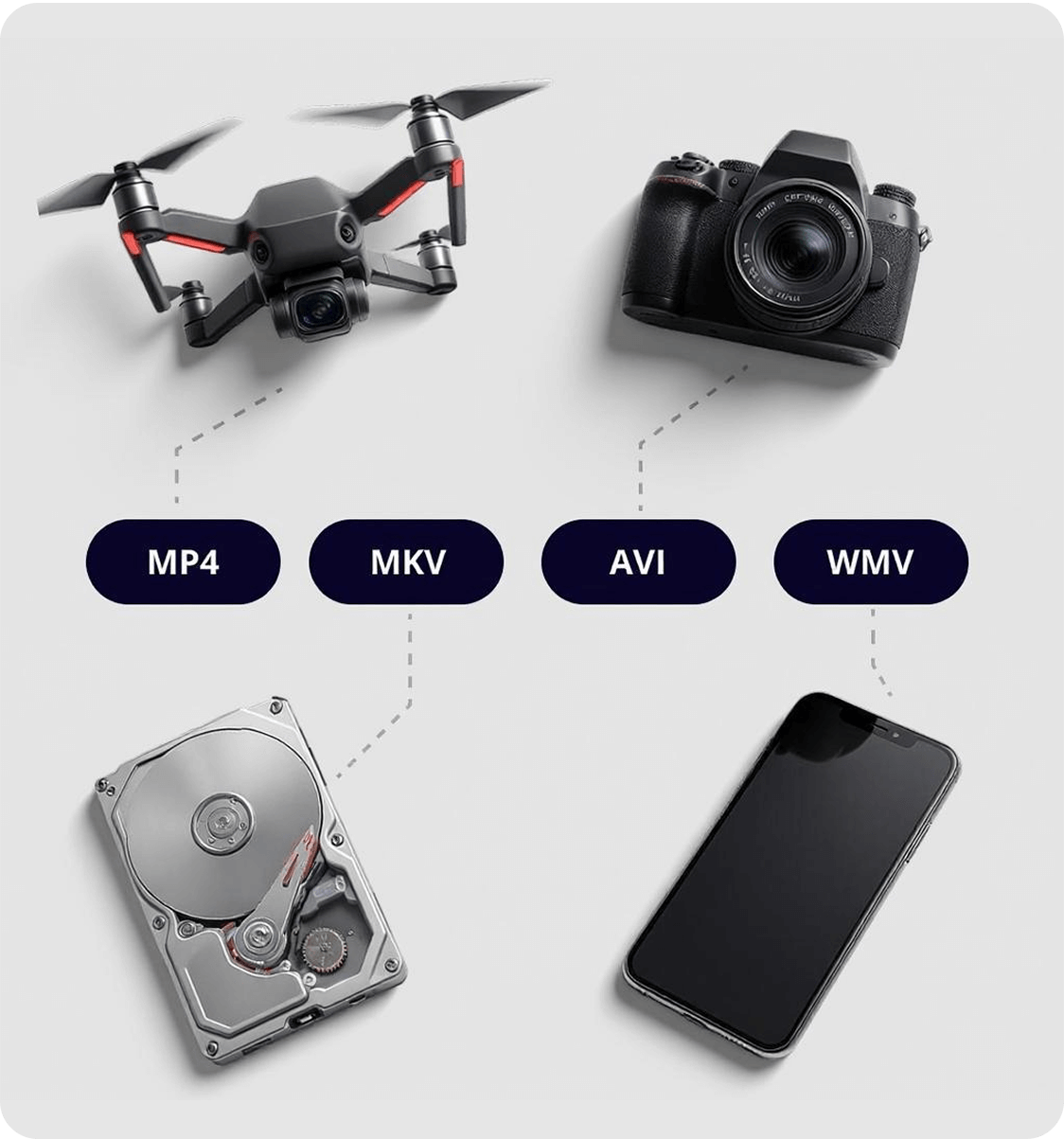
Repair corrupted videos from any device (PC, USB, SD card, Phone, etc.).
Available for:
 Watch Tutorial Video






AnyRecover Data Repair, Your All-in-One File Repair Expert.
AnyRecover Data Repair not only can help you recover deleted data, but also gives you the best solution to fix corrupted videos, images, and documents , all powered by its advanced algorithm.
Faster or Better? Two video repair modes, your choice
With Standard Repair mode, you can fix damaged videos in one click—no effort needed.
Add videos of the same type as the damaged one to activate Professional Repair mode, significantly improving the quality after repair!
Not sure if your device or video format is supported? Click here to find out.
Repair Video Now > Repair Photos from Any Camera or Device
 Repair Image in Any Level of Corruption
 Fix Photos in Batches

 Files not opening
 Unreadable files
 Garbled files




Repair Data No Matter How They Were Damaged
As a comprehensive data repair software, AnyRecover Data Repair ensures efficient restoration and a high success rate for all file types, regardless of whether your data are corrupted during shooting, recording, transferring, editing, converting, or through other unexpected errors.
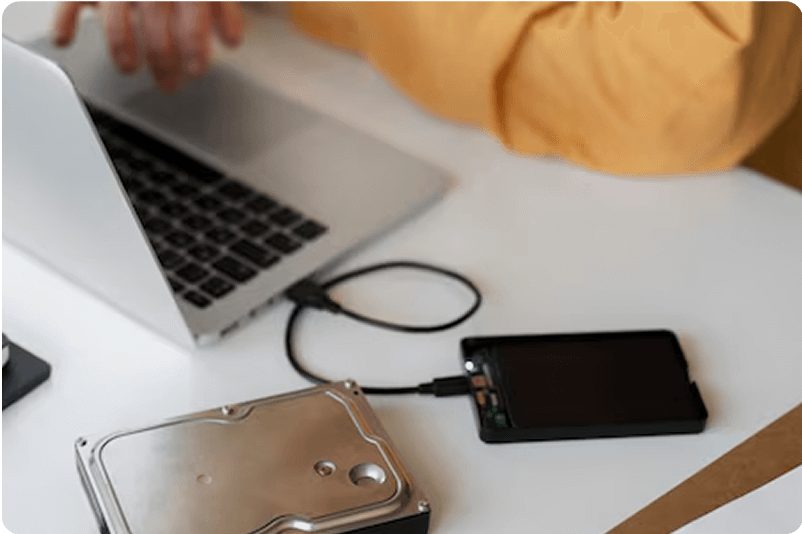
Incomplete Video Recording
Repair partially recorded videos, salvaging as much of the footage as possible and minimizing data loss.

Improper Shutdown
Repair partially recorded videos, salvaging as much of the footage as possible and minimizing data loss.

File Transfer Errors
Fix videos corrupted during transfer, ensuring the successful movement of your files and restoring them to their original, playable state.
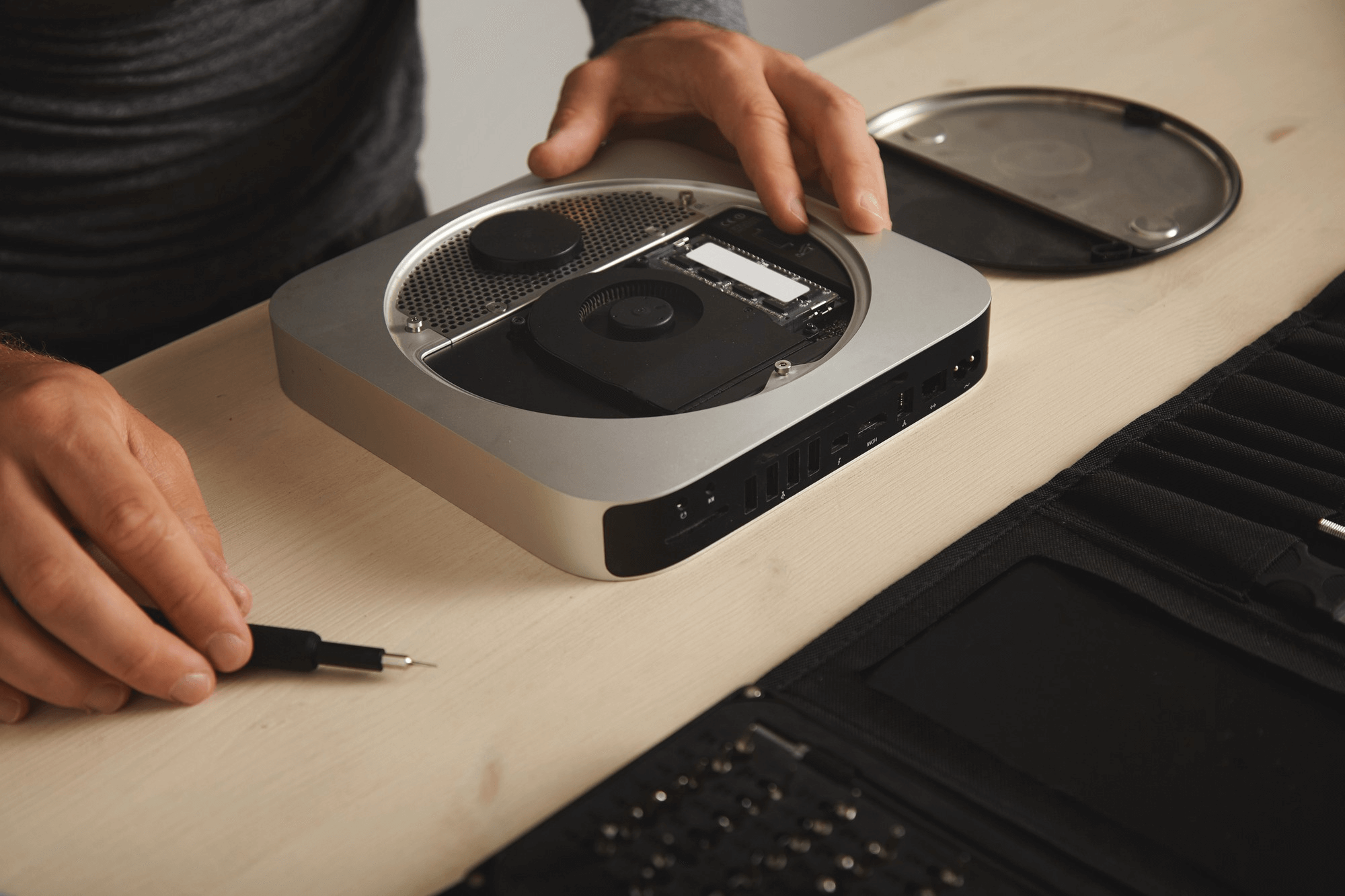
Storage Media Issues
Recover videos affected by errors on storage media, such as damaged SD cards or hard drives, retrieving your precious memories from failing devices.
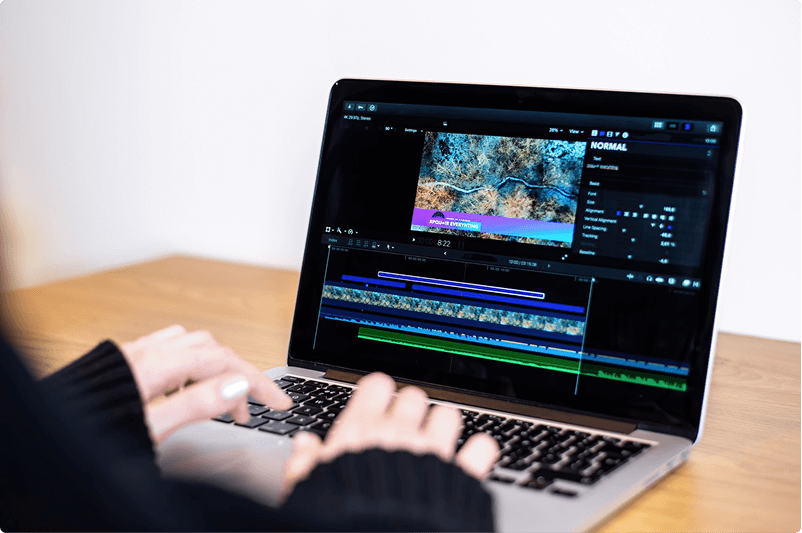
Video Editing Problems
Restore videos corrupted during editing, undoing software glitches and preserving your creative work from damage.

Distorted Video Colors
Restore accurate and vibrant colors to videos with distorted or incorrect color palettes, enhancing visual appeal and realism.

Virus or Malware Infection
Repair videos damaged by viruses or malware, eliminating corruption and restoring your media to a safe and playable condition.

Physical Damage
Attempt to repair videos affected by physical damage to recording devices, salvaging potentially lost footage from damaged cameras or phones.

Conversion Errors
Fix videos corrupted during format conversion, preserving their quality and ensuring seamless compatibility with your preferred devices.

Black Screen During Playback
Eliminate frustrating black screens during video playback, revealing the hidden content and providing a seamless viewing experience.
Experience Every Detail in Perfect Clarity With The Leading Video Enhancer.
-
 Pixel Interpolation Enhancement
Leverage the power of Pixel Interpolation to automatically improve video quality.
-
-
 Video Upscaling
Transform your visuals into stunning 2K and 4K resolutions for incredible clarity.
-
-
 Facial Detail Optimization
Sharpen and enhance facial details with dedicated models, so you can see your loved ones clearly
-
-
 Wide Format Support
Supports a wide range of video formats including MP4, AVI, MKV, MOV, WMV and more.
-
-
Best Image Enhancer to Upscale Image without Losing Quality
Just with one click, AnyRecover Data Repair photo enhancer can easily increase your photos or images in any situations.






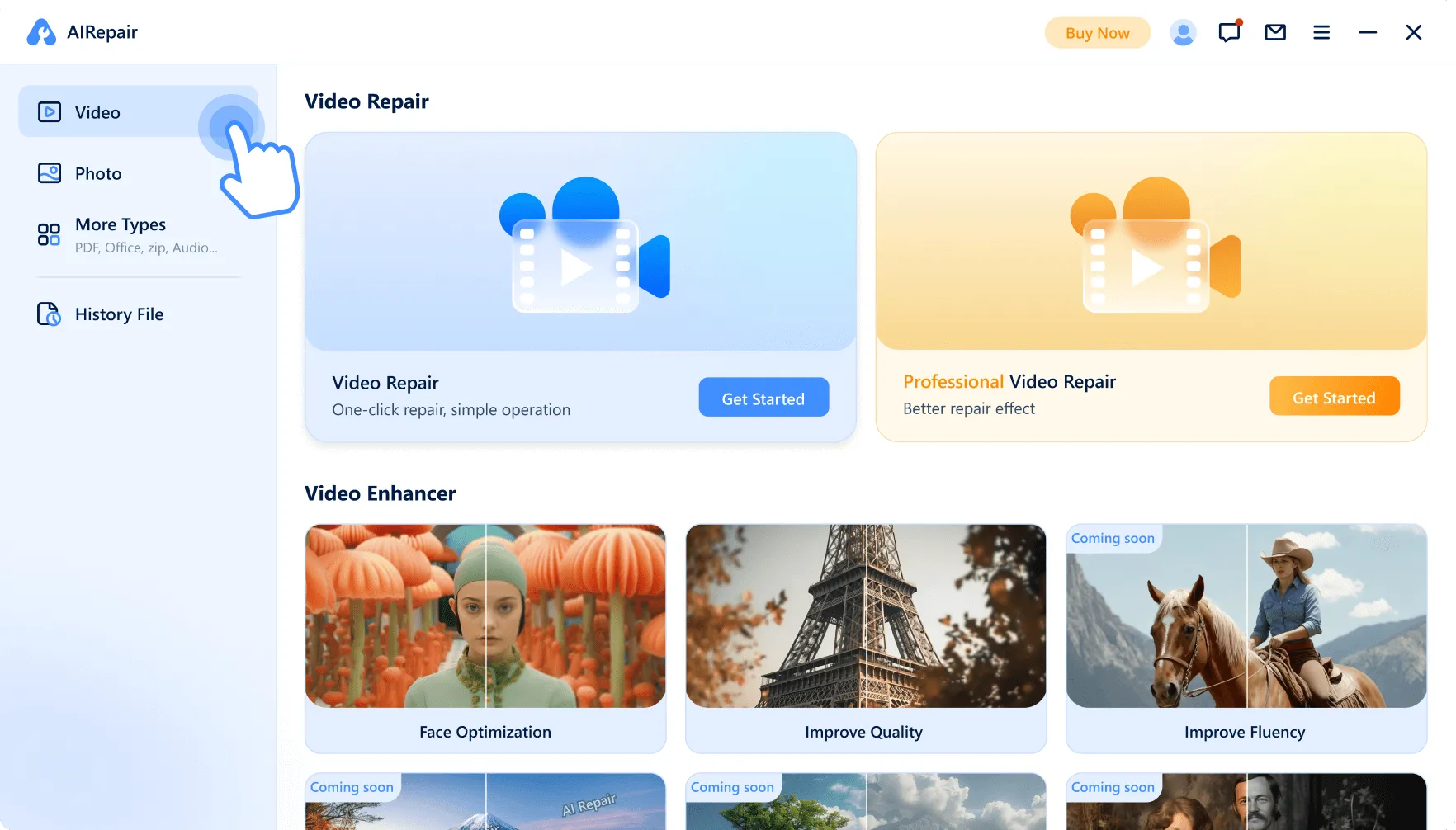
Repair or Enhance? All in 4 Easy Steps
-
1. Select Your File Type
Supports dozens of formats: video, image, audio, PDF, and more.
-
-
-
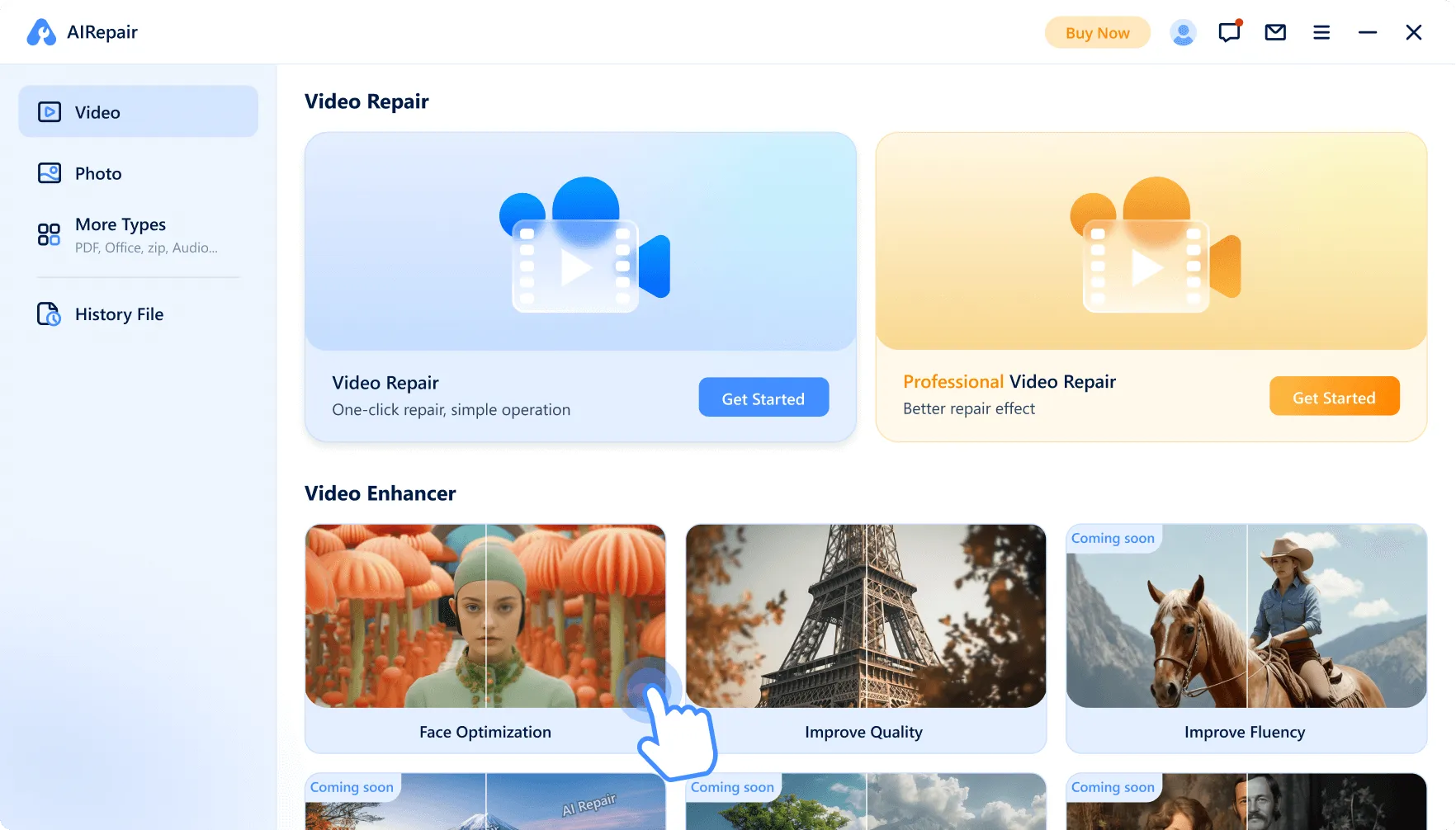
2. Choose Your Action: Repair or Enhance
Fix your file or explore our diverse enhancement options.
-
-
-
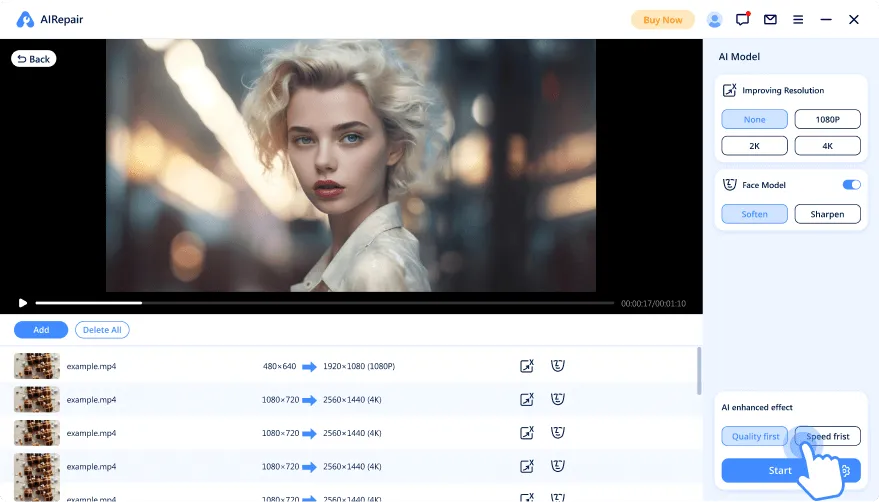
3. Apply Processing
The first time you use this, amodel will download. This should only take a few minute.
-
-
-
4. Save Your File
All processed videos, images, and files are securely stored in your History File, no risk of loss.
-
-
Highly Regarded by Media and Users


Powerful Digital Signal Processing
AnyRecover Data Repair uses advanced algorithm to restore corrupted photos and videos with impressive clarity, even colorizing black-and-white images naturally. Its user-friendly interface and fast processing make it ideal for both professionals and casual users.
By PC Wolrd.

Advanced Repair Technology
This software effectively repairs various file corruptions across devices, achieving high recovery success. Its ability to upscale resolution and fix color and recording i ssues makes it a comprehensive repair solution.
By Cult of Mac.

Quick & easy
As a YouTuber, I rely on video quality for my content. When faced with a corrupted video, AnyRecover Video Repair Software came to the rescue! It effortlessly repaired my footage, ensuring I didn't lose any valuable content. A must-have tool for content creators. Highly recommended!
By Oliver.

Powerful and Reliable.
When I couldn't open a crucial Word document just before a significant meeting, AnyRecover saved the day! It swiftly repaired the file, allowing me to retrieve essential information in no time. Its reliable performance and ease of use make it indispensable for critical situations.
By James.

Highly recommended!
As a mother, I was sad when I couldn't open corrupted photos of my children, capturing unforgettable moments. Thanks to AnyRecover Photo Repair Software, those memories were salvaged effortlessly. This user-friendly tool restored the photos to their original beauty, preserving cherished memories of my children.
By Mia.
Frequently Asked Questions:
-
Can AnyRecover Data Repair fix corrupted videos and files? How does it work?

Yes, AnyRecover Data Repair can fix damaged videos and files. It leverages advanced algorithms to analyze file formats and accurately restore different types of media, delivering a high success rate.
-
Which devices does AnyRecover Data Repair support for recovering videos and photos?
AnyRecover Data Repair is your best choice to repair damaged videos captured with various camera brands including Canon, Nikon, Sony, GoPro, DJI, as well as those shot using mobile phones, digital handhelds, and devices with lenses. Besides, AnyRecover Data Repair also works with PC, USB drives, SD cards, and more.
-
What types of video and image formats does AnyRecover Data Repair support?
AnyRecover Data Repair supports repairing various video and image formats. For videos, it supports formats such as MOV, MP4, MKV, MTS, 3GP, AVI, FLV, MXF, INSV, M4V, M2TS, and MORE. For images, it currently supports formats including jpg, jpeg, png, gif, arw, tif, tiff, crw, dng.
-
Video Repair vs. Professional Video Repair: Which should I choose?
For most users, we recommend using Video Repair for quick and easy video restoration—it only takes three simple steps! If you’re not satisfied with the results, you can switch to Professional Video Repair for significantly better outcomes, though it does require a few extra steps.
All the latest and most popular tips are here:
Popular Tips to Repair Files, Photos and Videos
- 1. Best Way to Repair Broken MP4 Video Files
- 2. How to Restore Faded Photos? 2025 Guide
- 3. How to Repair RAR Files in 2025
- 4. Repair Corrupt DOC File Online Effortlessly with 3 Methods
- 5. How to Fix MP4 Files That Won't Play - 7 Effective Ways
Popular Tips for Enhancing Videos and Photos
- 1. Best 10 Video Enhancers: How to Enhance Video Quality
- 2. Best Vintage Photo Restoration: Make It Easy to Repair Old Photos
- 3. How to Unblur Images - Best Way for Blur Photo Repair in 2025
- 4. How Does Google Photo Remove Background
- 5. How to Fix Low Resolution Photos 2025 - 3 Proven Ways!

0M+
Downloads worldwide

0M+
Videos Viewed in YouTube

0M+
Satisfied Customers

0M+
Data Recover Tips
 AnyRecover Data Repair
Get started with AnyRecover Data Repair Now
Repair, enhance, and save—easier than ever.











